

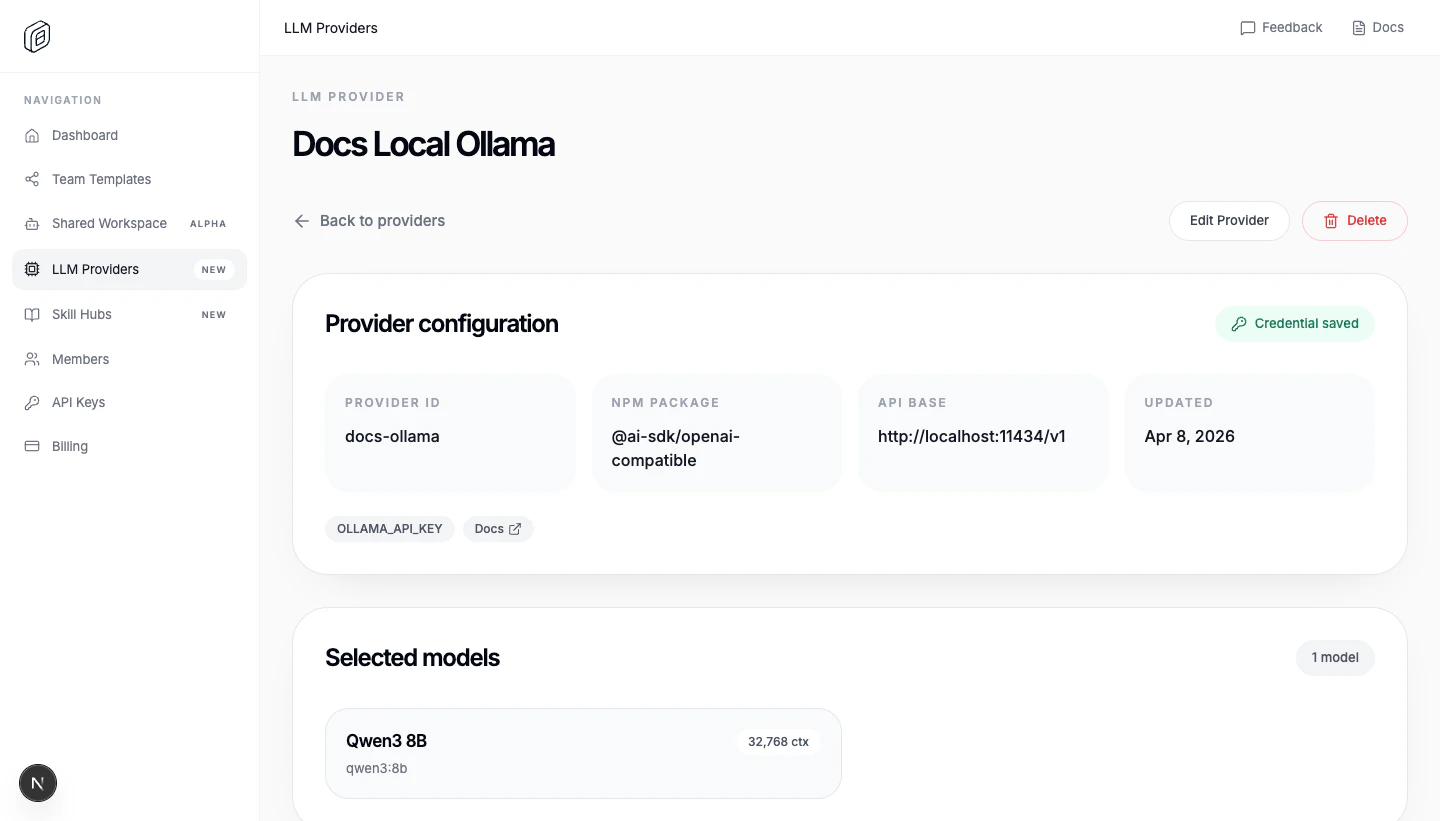
Create the custom provider
- Open
LLM Providers. - Click
Add Provider. - Switch to
Custom provider. - Give it a
Name(theProvider IDfills in automatically). - Enter the
Base URLof the OpenAI-compatible endpoint (for Azure AI Foundry this looks likehttps://my-resource.openai.azure.com/openai/v1). - List the
Model IDsthe endpoint serves — on Azure AI Foundry these are your deployment names. - Paste the shared
API key / credential. - Choose
People accessand/orTeam access. - Click
Create Provider.
Advanced: raw JSON config
If the provider needs more than the form covers (a different AI SDK package, per-model limits or modalities, custom options), clickAdvanced: edit as JSON and provide a models.dev-style definition. The JSON must include id, name, npm, env, and models; api is optional, but most OpenAI-compatible providers use it. The editor requires valid JSON, at least one environment variable, and at least one model.
Import it into the desktop app
- Open
Settings > Cloud Providers. - Choose the correct
Active org. - Under
Cloud providers, clickImport. - Reload the workspace when OpenWork asks.
Functional example: an LLM gateway (Infron)
An LLM gateway is one OpenAI-compatible endpoint that fans out to many model providers. If you want to run the routing yourself, LiteLLM is a good starting point. Infron is the hosted option: one API key gets you every model in its marketplace with automatic provider fallbacks and a single invoice, so adding a new LLM to OpenWork is just another entry undermodels.
Grab a key from the API Keys dashboard. If you don’t have an account yet, sign up at infron.ai/login and their quickstart walks you through your first request.
Paste the key into API key / credential and use this JSON:
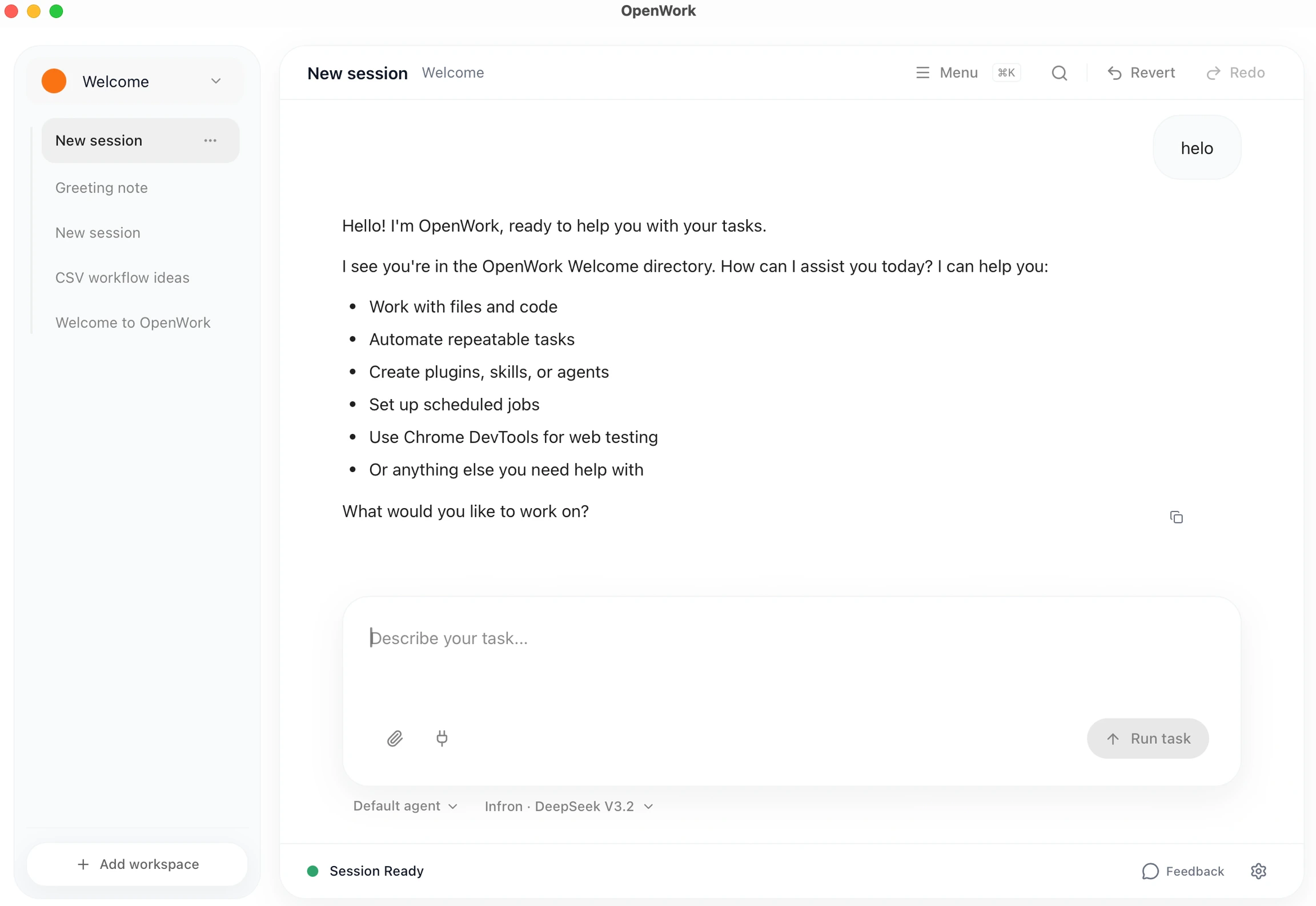
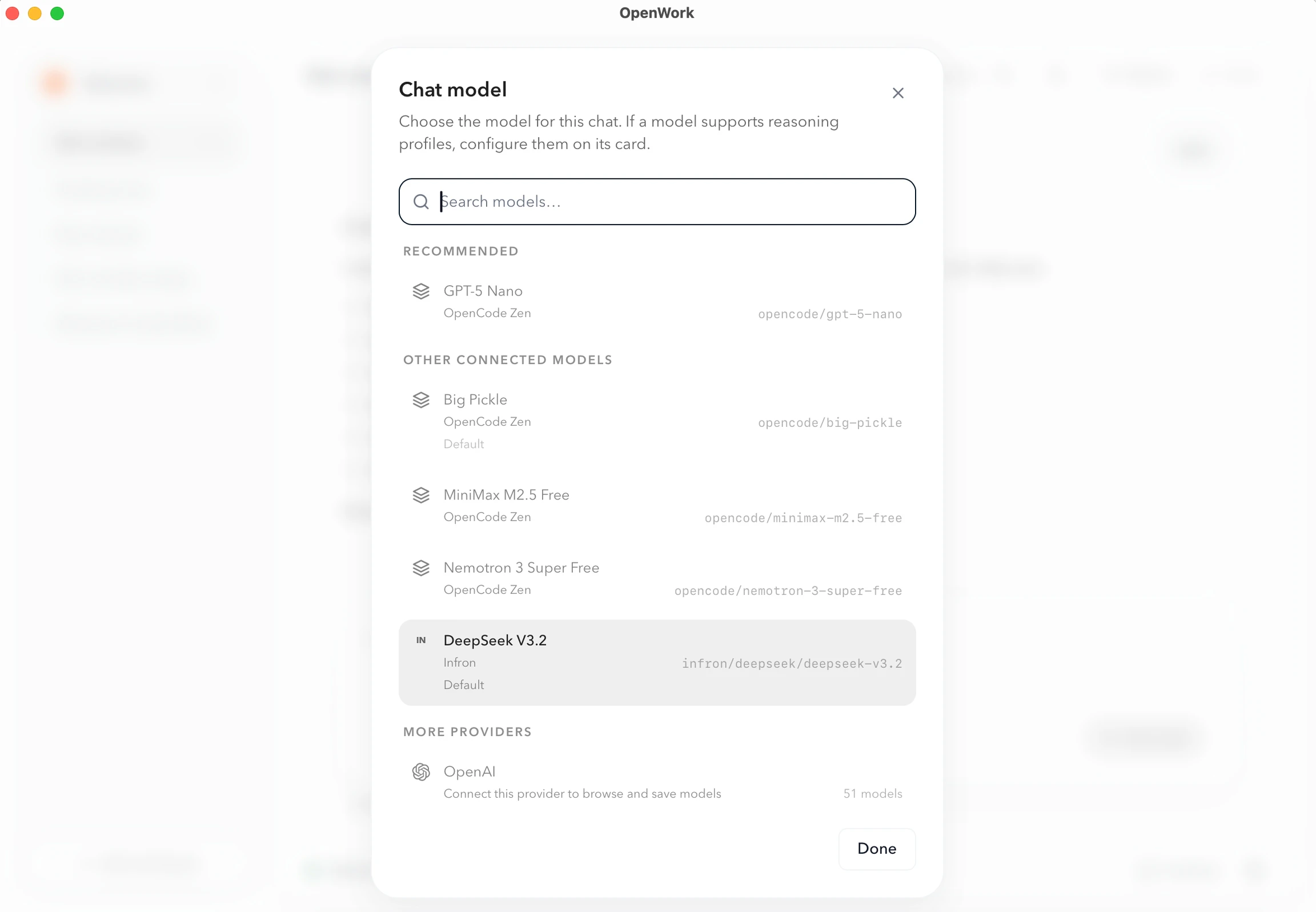
models to expose other routes the gateway supports (e.g. openai/gpt-5.4, google/gemini-2.5-flash).