Local provider setup. This connects ChatGPT directly to the desktop app. OpenWork remains free, and you do not need to sign in to OpenWork Cloud. For model access managed by your organization, see Adding a managed LLM provider.
Connecting ChatGPT with OpenWork takes four clicks.
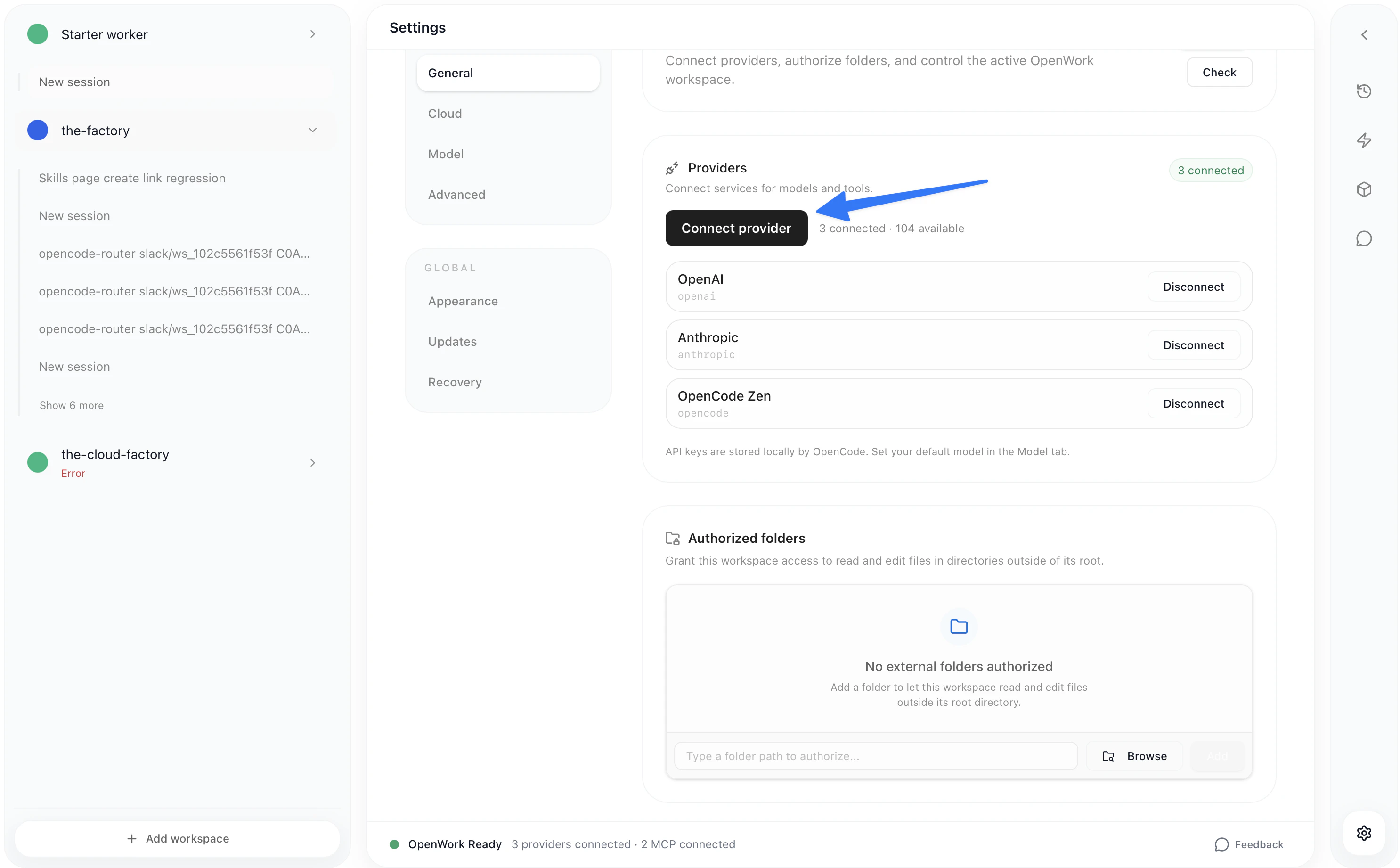
  • Go to Settings > Connect Provider > OpenAI > ChatGPT Pro/Plus
Settings page showing Connect Provider button
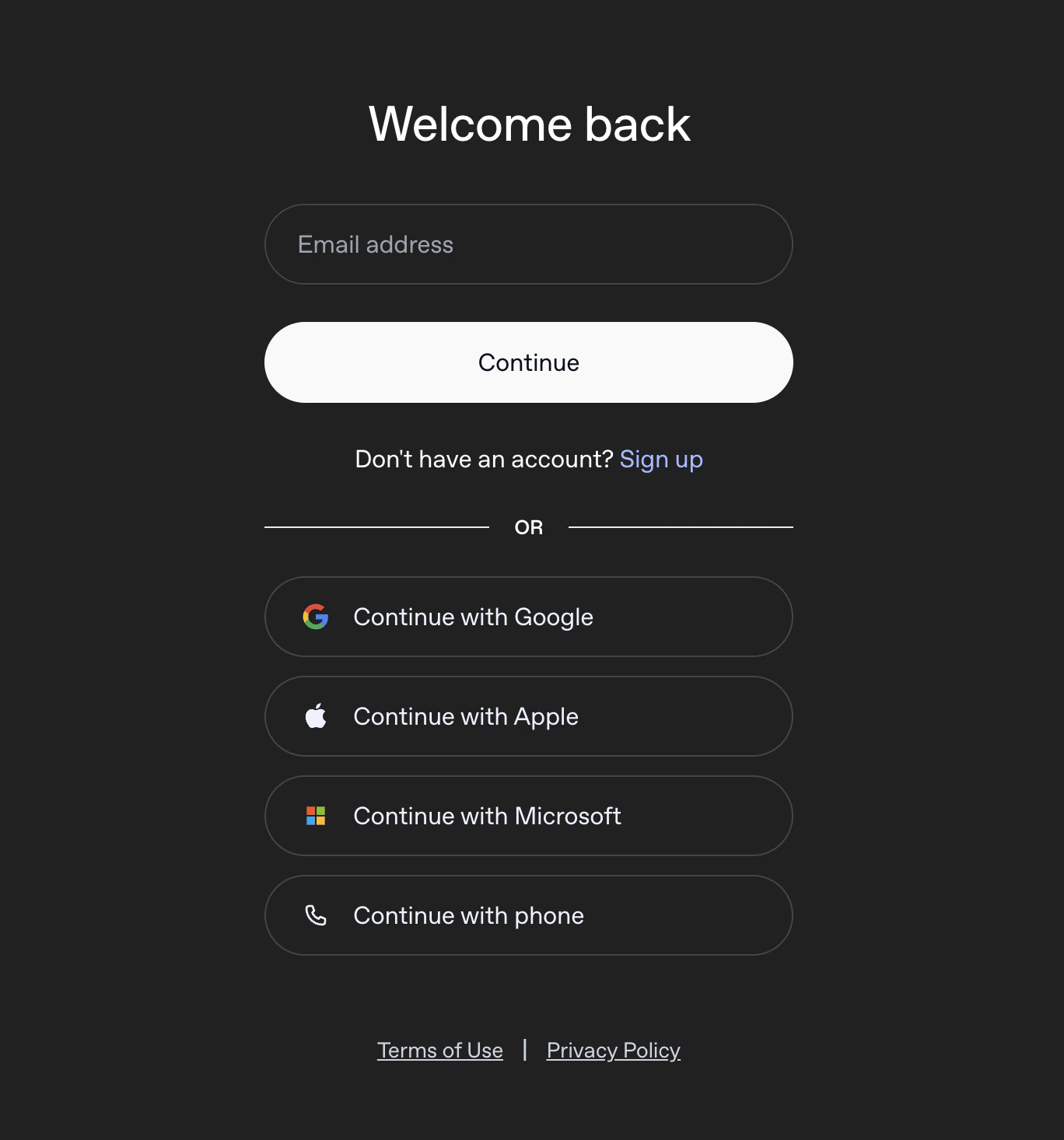
Then sign in to OpenAI with the email for your valid subscription.
OpenAI authentication login page
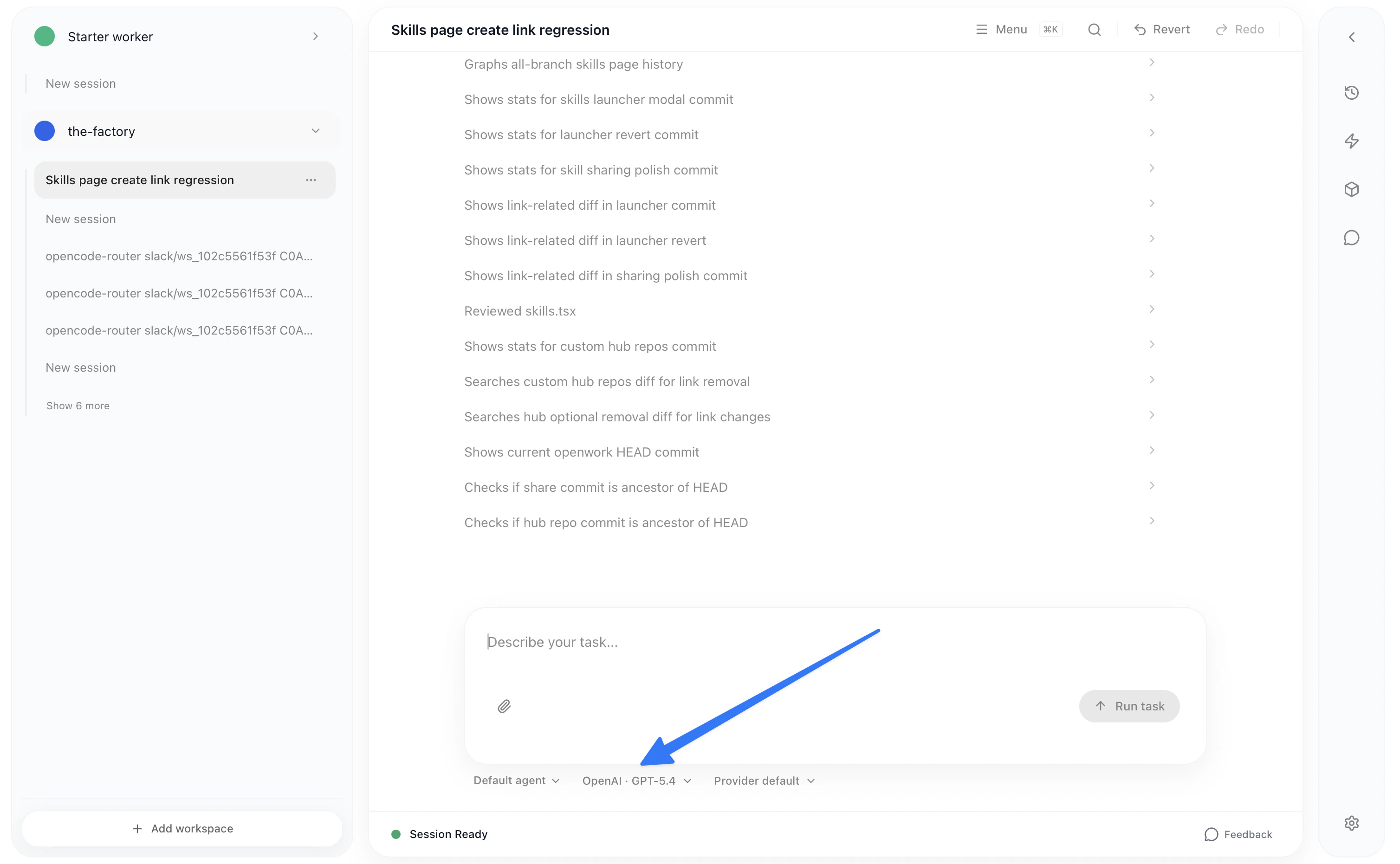
Once you have finished the auth, you can change the model below in the chat.
Model selector dropdown in chat
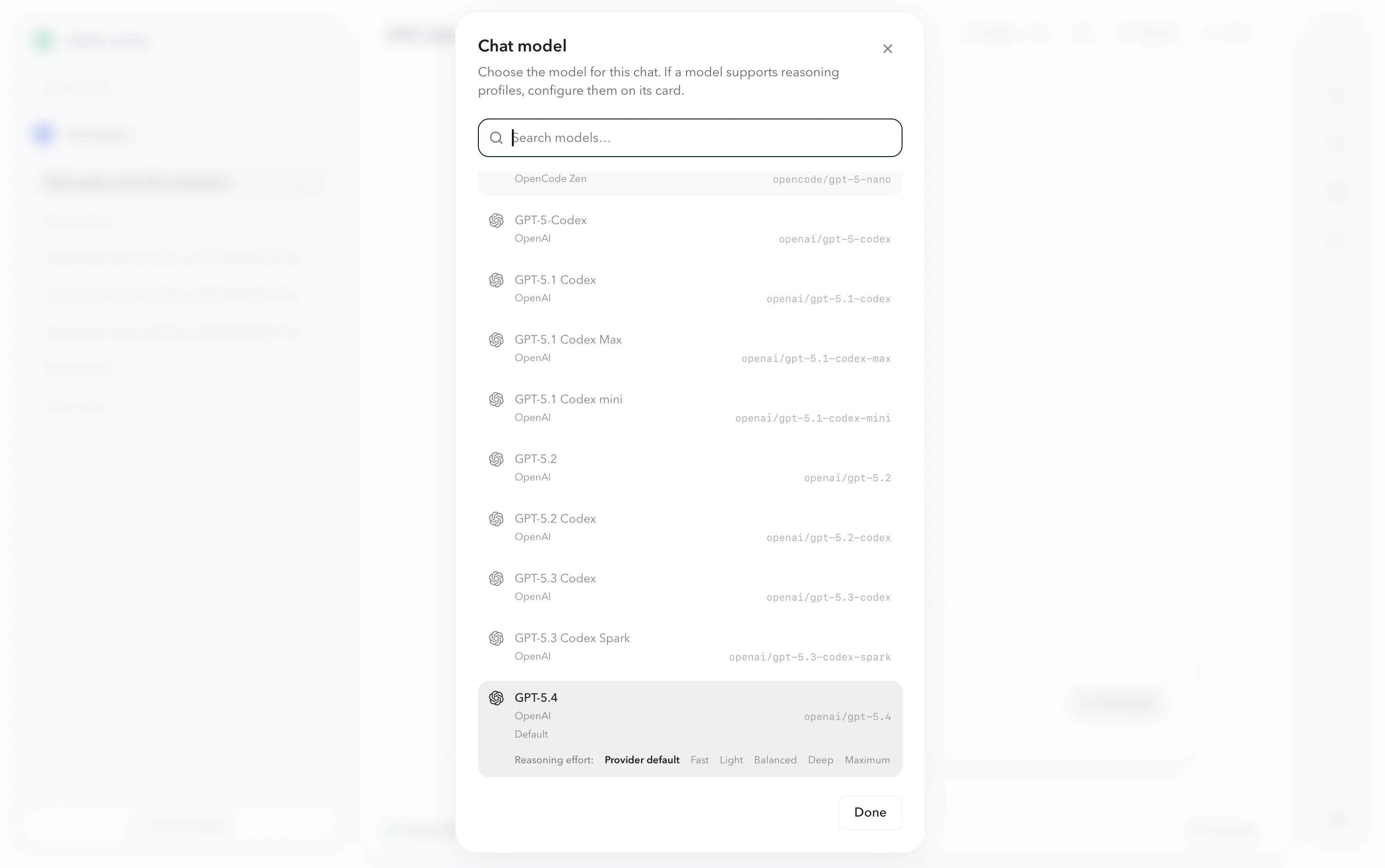
You will be able to choose among any model offered by all the providers you’re connected to:
Model list showing available models from all providers