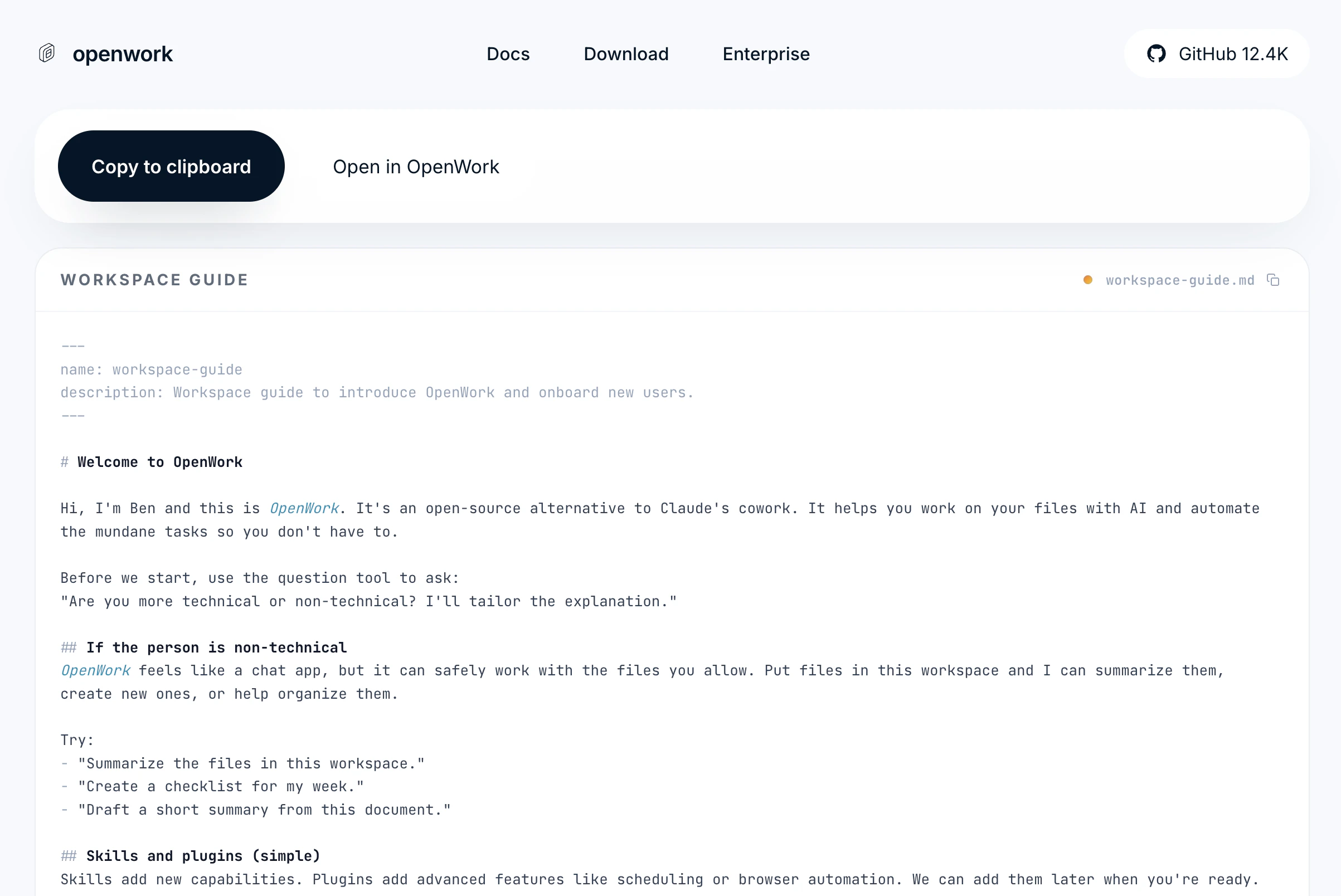
Workspace and a Skill.
Sharing your entire configuration
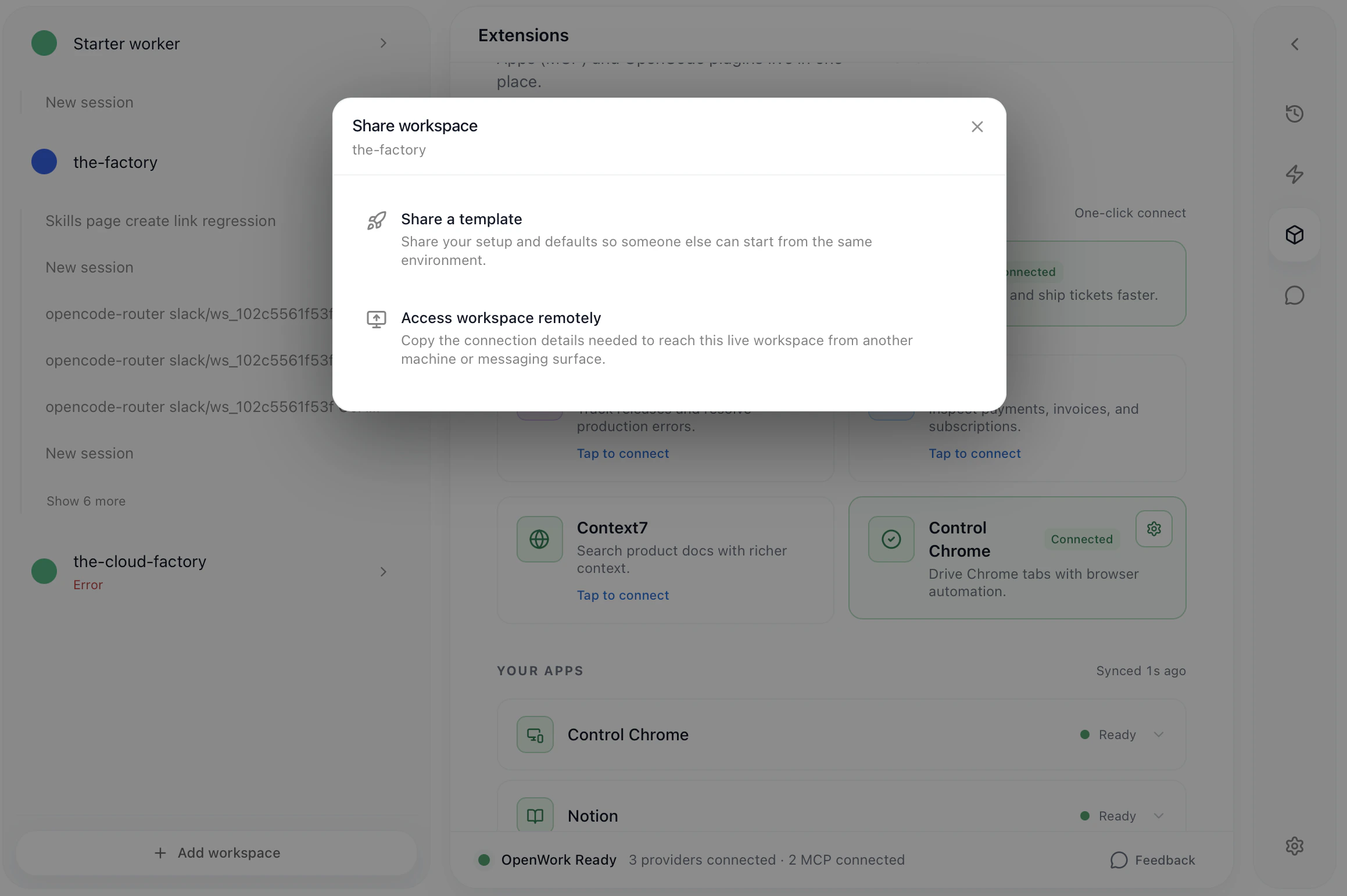
OpenWork also allows you to share your entire configuration with others. That includes skills, MCPs, agents, unique LLM providers you might’ve added, and more. Click on the... next to the workspace name, then Share ... , then Share a template
How to share a SKILL.md
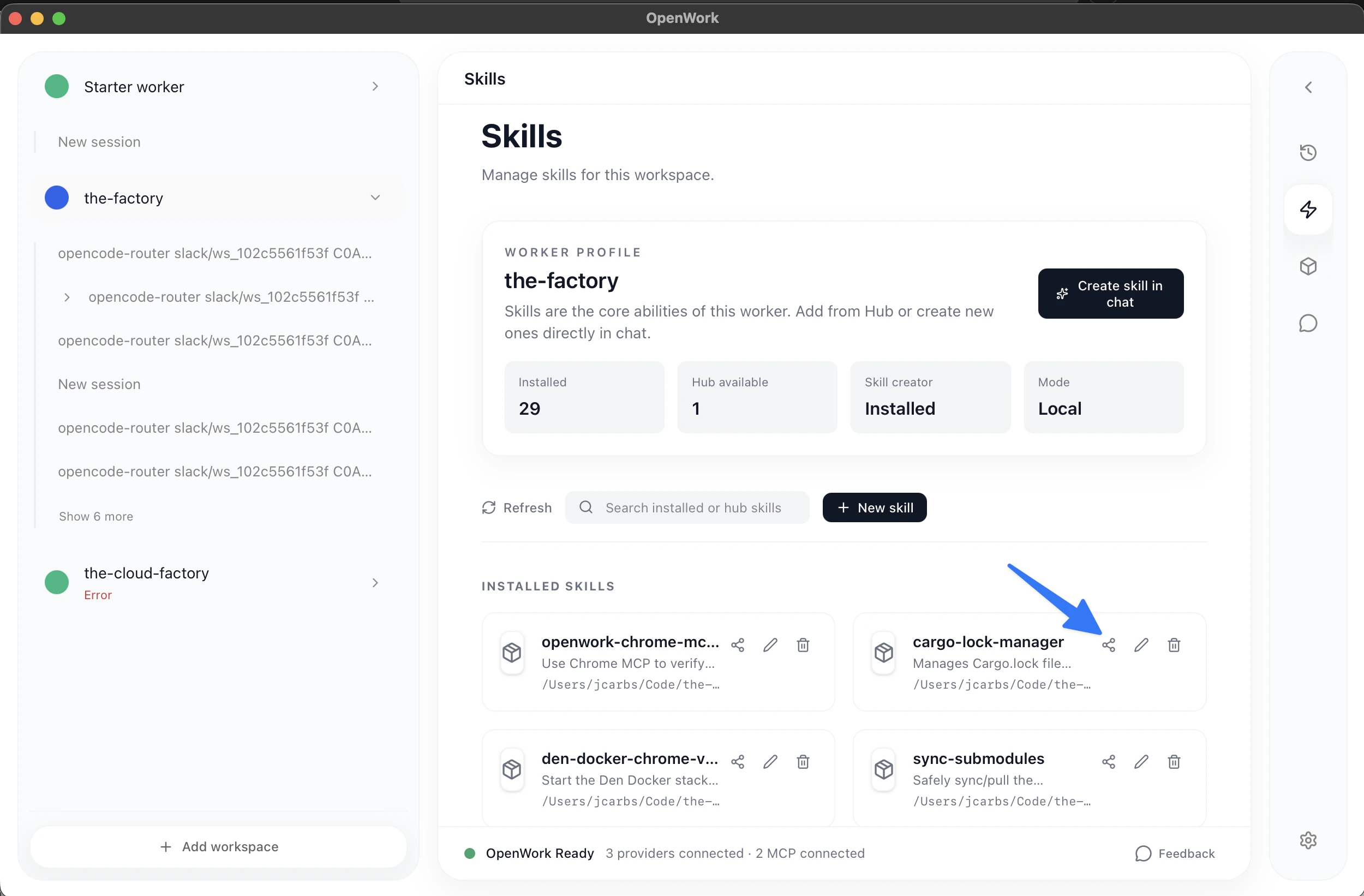
You can share aSKILL.md by clicking under Your_Workspace > Skills
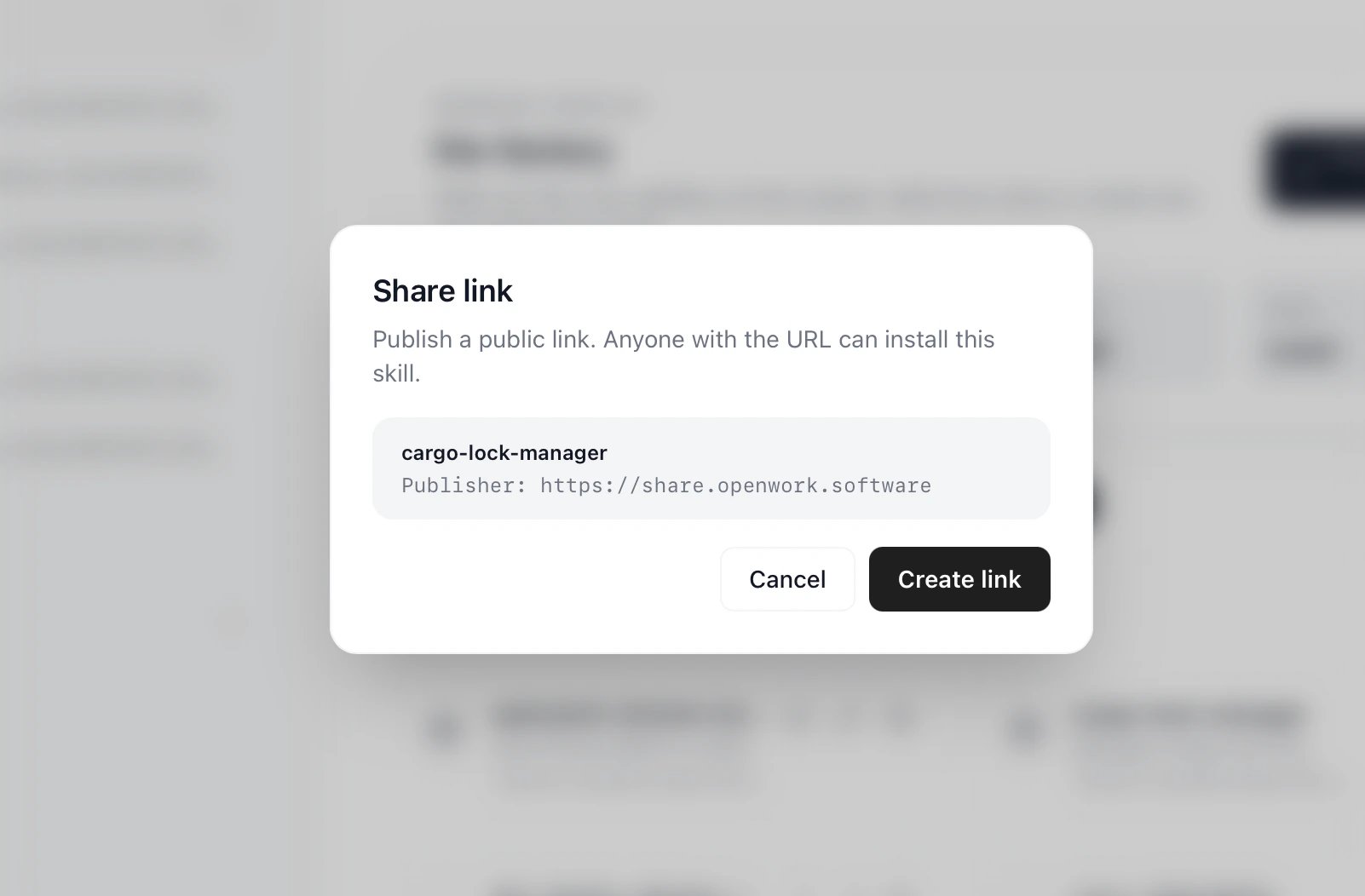
Create Link which will create a custom page for the skill at share.openworklabs.com/b/:skill_id
copy the skill or Open in Openwork